Getting Started with Construction Project Management#
Ametnes Construction Management
Tier: Premium, Enterprise Offering: Ametnes Managed Industry: Construction, Manufacturing
This section guides you through the initial setup and navigation of the Construction Project Management module.
Accessing the Module#
- Log in to your Ganim ERP dashboard.
- On the left menu, navigate to Project.
Initial Configuration#
- Define your company details and construction teams.
- Set up default project templates if available.
- Configure user roles and permissions for project members.
Creating Your First Construction Project#
-
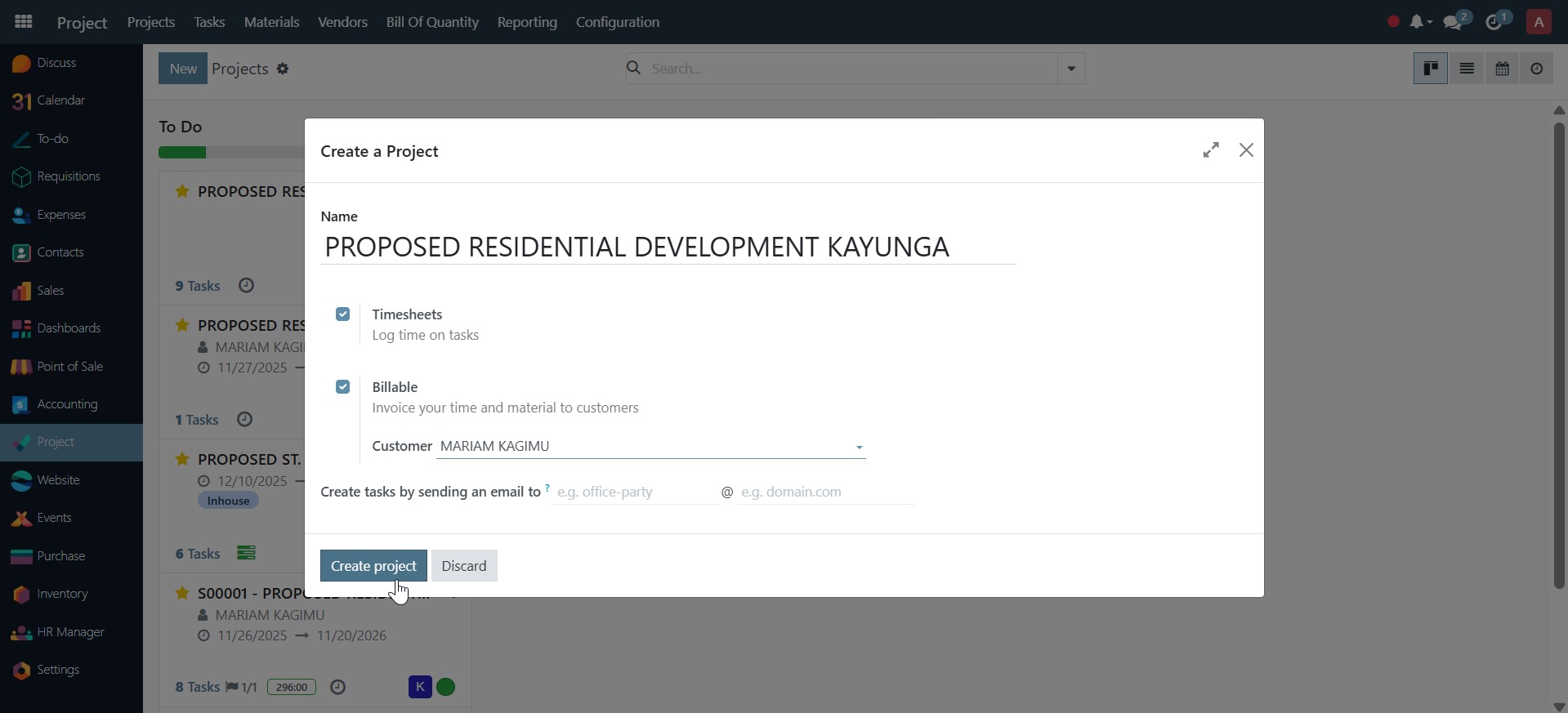
Go to the Projects section and click New.
-
Enter the project name, client, expected start and end dates.
- Define the location and description.
- Assign a project manager and key team members.
- Save the project to proceed to phase and task configuration.
Next Steps#
Continue to Project Setup and Configuration to learn how to define phases, milestones, and tasks.