Document Types#
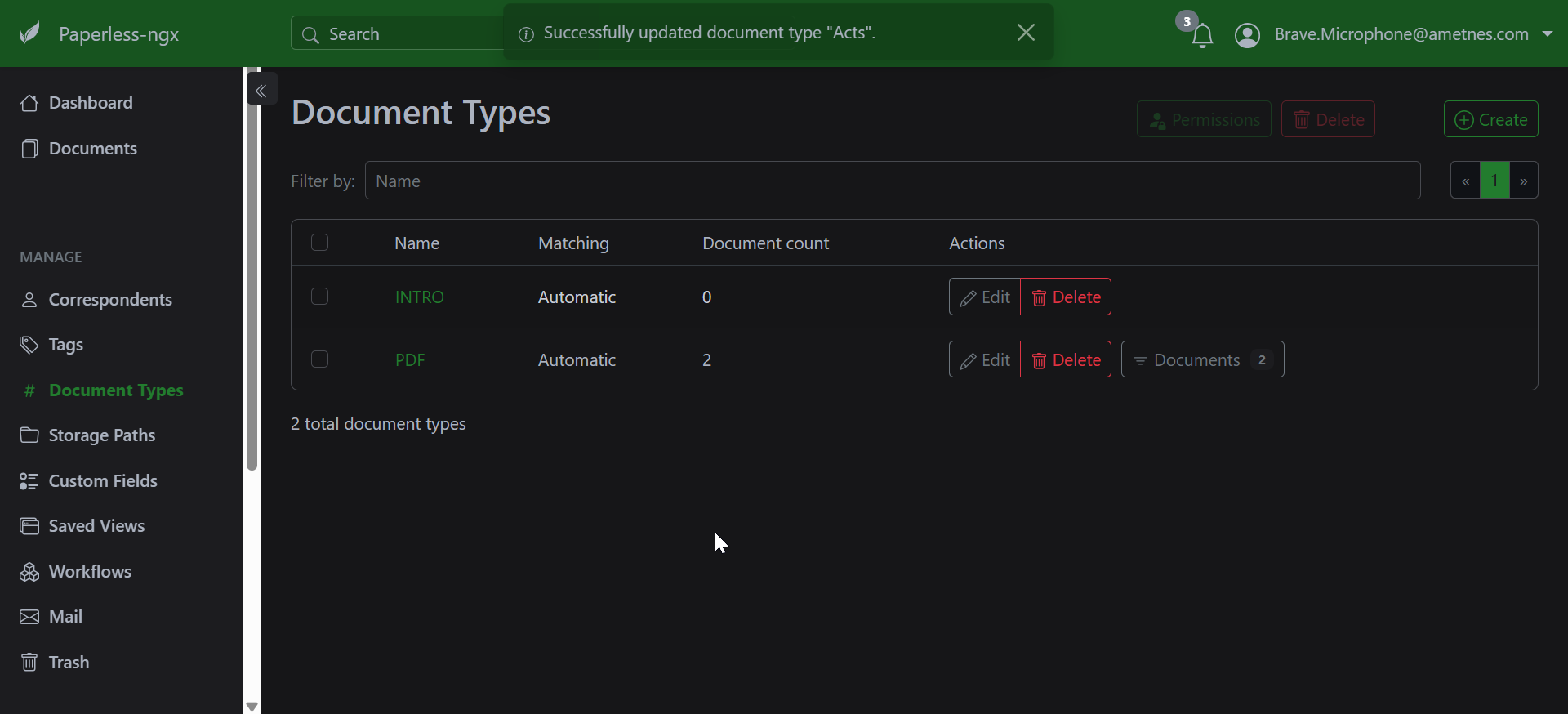
Document types in Paperless-ngx help categorize and organize your documents for better searchability and management.
What are Document Types?#
Document types are labels that classify documents based on their content or purpose. They're optional but recommended for better organization.
Creating Document Types#
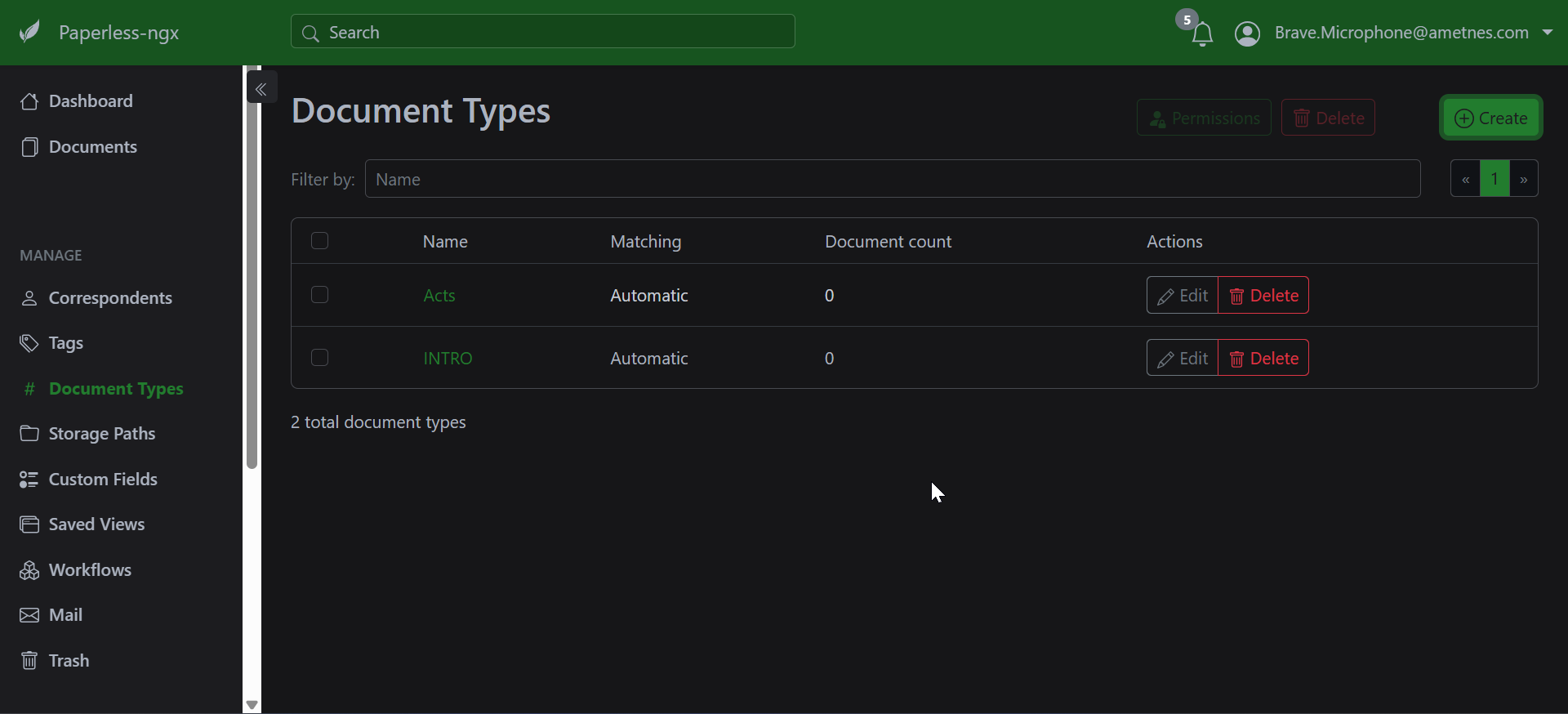
- Navigate to Document Types
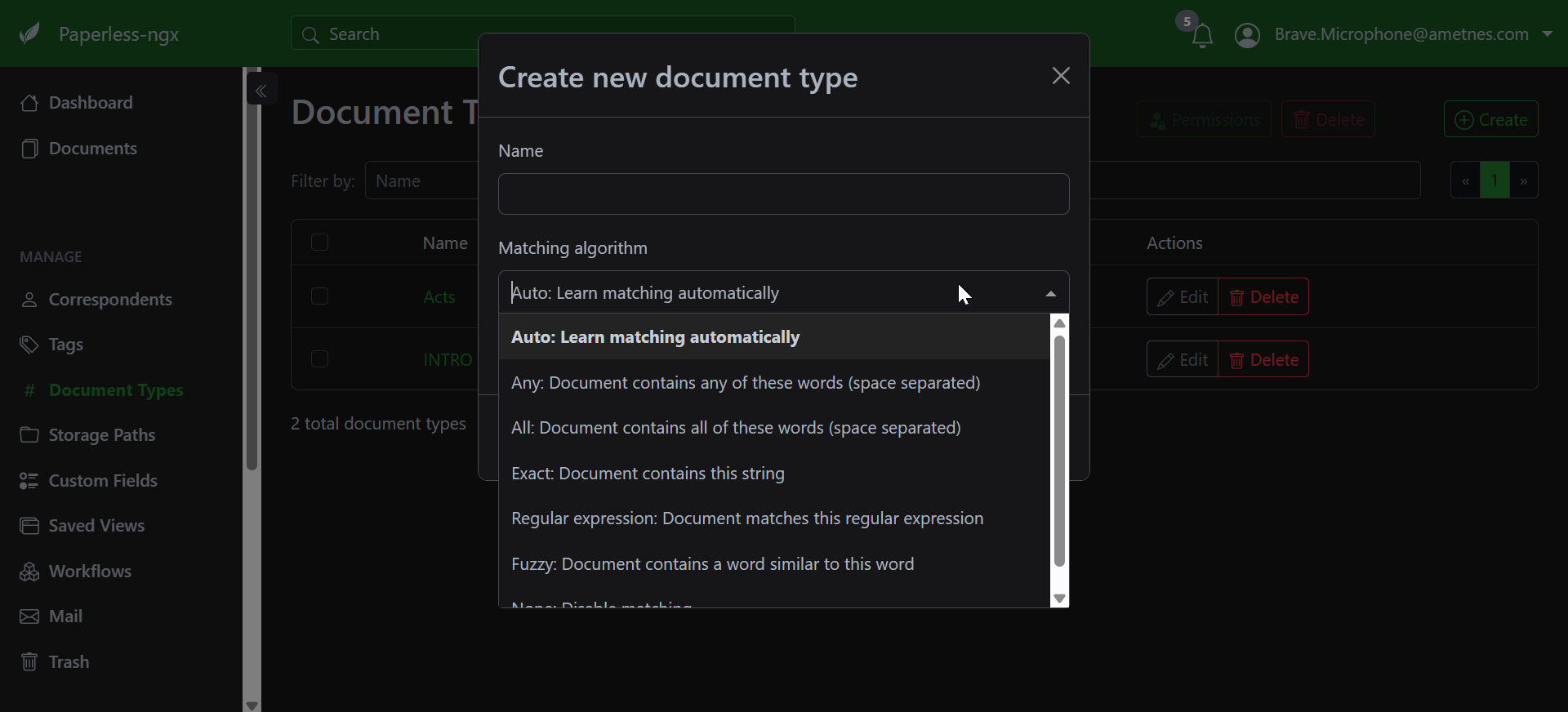
- Click Create
- Enter a Name (e.g., "Invoice", "Receipt", "Contract")
- Optionally add a Match pattern for automatic assignment
- Choose a Matching Algorithm if using auto-matching
- Save the document type
Auto-Assignment#
Document types can be automatically assigned using:
- Auto matching: Based on document content
- Filename patterns: Using regex or simple text matching
- Consumption rules: Apply types during document ingestion
Match Patterns#
Common patterns:
- invoice - Matches documents containing "invoice"
- ^contract - Matches documents starting with "contract"
- receipt|bill - Matches documents containing "receipt" OR "bill"
Managing Document Types#
- Edit: Modify existing types from the document types list
- Delete: Remove unused types (documents keep their assignments)
- Bulk assign: Select multiple documents and assign types in document list
Best Practices#
- Use consistent naming conventions
- Start with broad categories, refine as needed
- Combine with tags for more granular organization
- Set up matching patterns for frequently scanned document types
Common Document Types#
- Financial: Invoice, Receipt, Bank Statement, Tax Document
- Legal: Contract, Agreement, Legal Notice
- Personal: ID Document, Medical Record, Insurance Policy
- Business: Report, Proposal, Meeting Notes