Getting Started with Paperless-ngx#
Overview#
Welcome to Paperless-ngx! This document management system helps you digitize, organize, and manage all your important documents in one secure location.
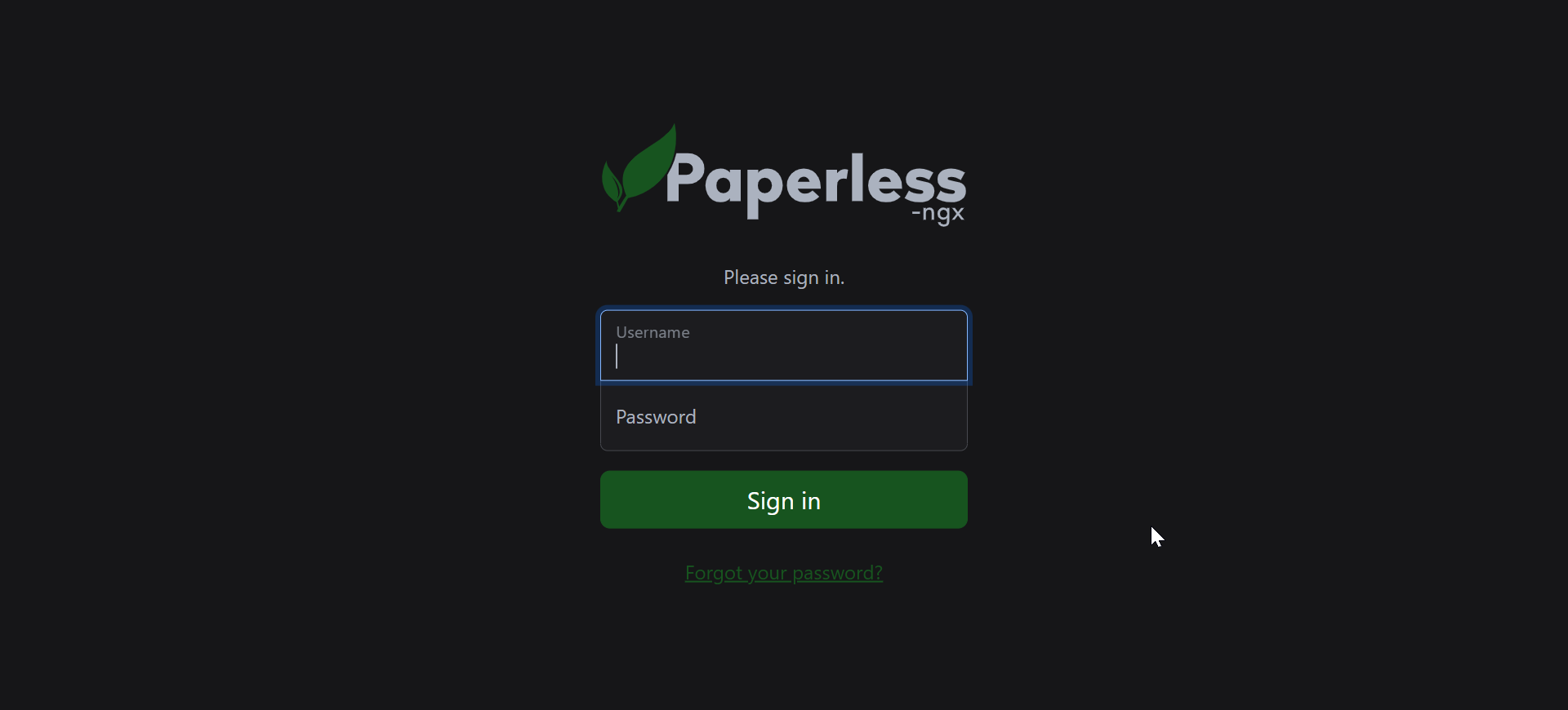
First Login#
- Navigate to your Paperless-ngx URL
- Enter your username and password provided by your administrator
- You'll be redirected to the main dashboard
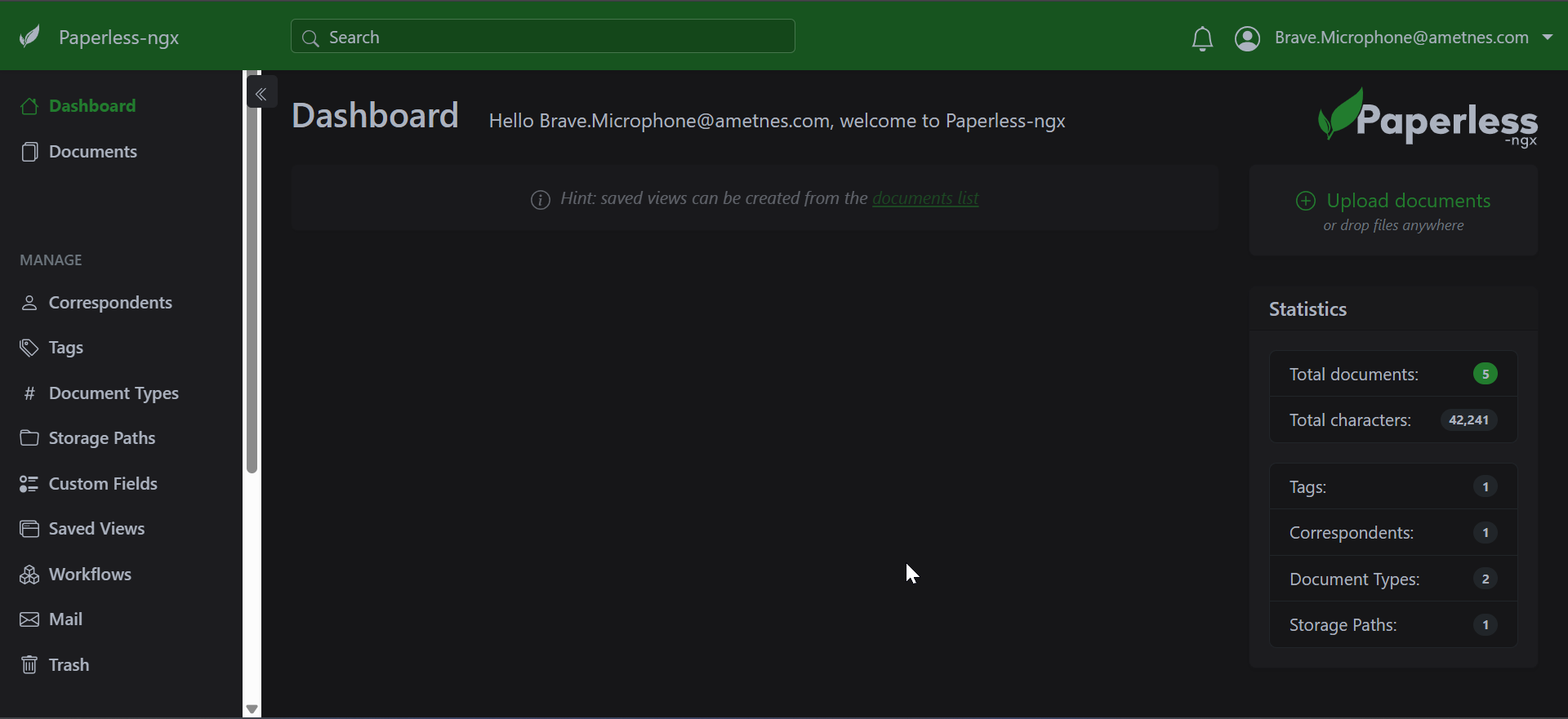
Dashboard Overview#
The main dashboard provides:
-
Recent Documents: Recently added or modified documents
-
Quick Stats: Total documents, tags, and correspondents
-
Search Bar: Global search functionality
-
Navigation Menu: Access to all features
Main Navigation#
Top Menu#
- Documents: View and manage your document library
- Upload: Add new documents to the system
- Tags: Manage document tags and categories
- Correspondents: Manage people and organizations
- Settings: User preferences and system configuration
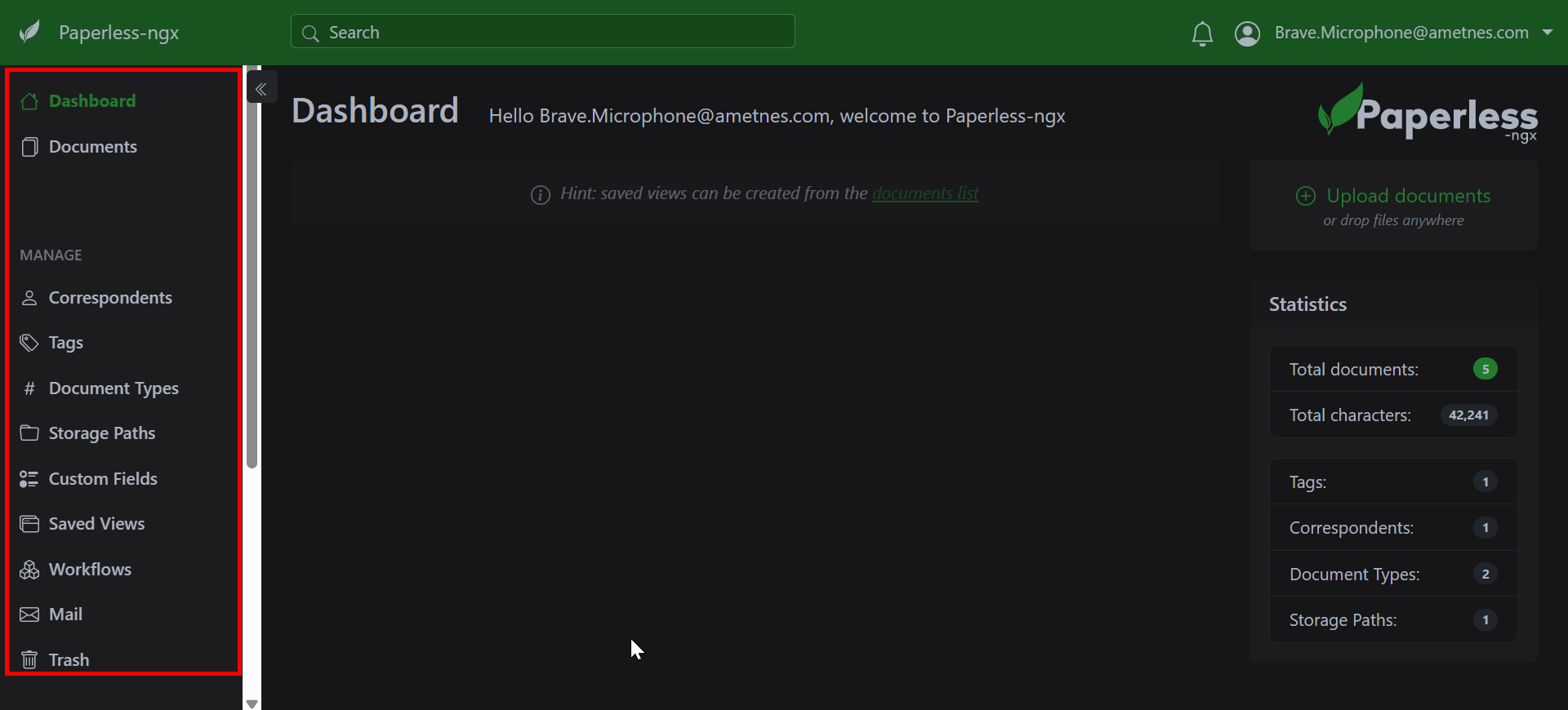
Sidebar#
- Inbox: New documents requiring attention
- All Documents: Complete document library
- Saved Searches: Your frequently used searches
- Tags: Quick access to tag categories
- Document Types: Filter by document categories
User Interface Elements#
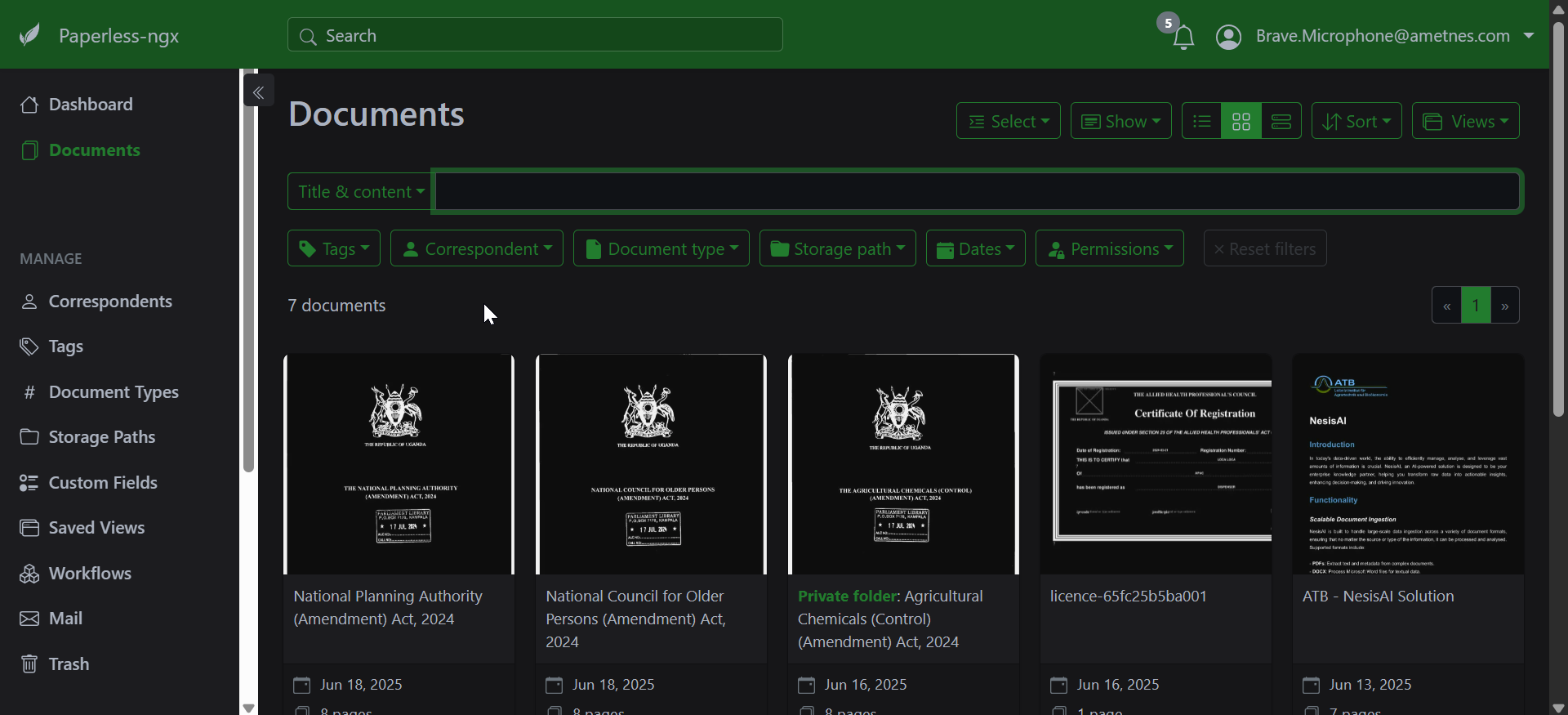
Document List View#
- Thumbnail: Visual preview of document
- Title: Document name and description
- Tags: Assigned categories and labels
- Date: Creation or modification date
- Actions: Quick access buttons (edit, share, delete)
Document Detail View#
- Preview: Full document viewer
- Metadata: Document information and properties
- Tags: Current tag assignments
- Permissions: Sharing and access settings
- History: Document modification log
Quick Start Checklist#
- ✓ Log in to your account
- ✓ Explore the main dashboard
- ✓ Upload your first document
- ✓ Create basic tags for organization
- ✓ Set up a correspondent (person/organization)
- ✓ Try searching for documents
- ✓ Review your user settings
Getting Help#
- Use the built-in help tooltips (hover over ? icons)
- Contact your administrator for system-specific questions
- Refer to the user documentation for detailed guidance