Resource Management#
Ametnes Construction Management
Tier: Premium, Enterprise Offering: Ametnes Managed Industry: Construction, Manufacturing
Efficient resource management is essential for successful construction projects. This section explains how to manage labor, equipment, and materials within your projects.
Managing Labor Resources#
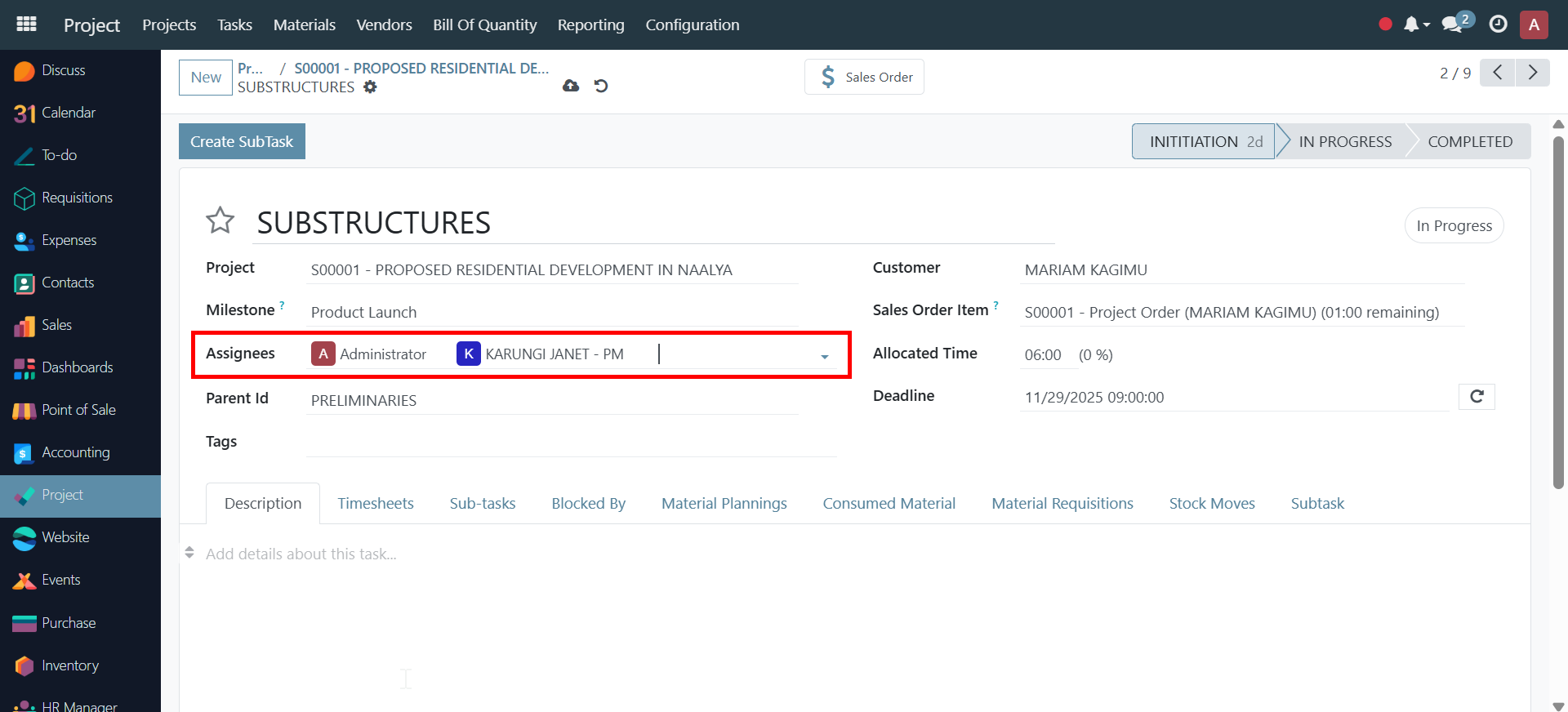
- Navigate to the Resources or Team tab within your project.
- Add team members and assign roles (e.g., Site Engineer, Foreman, Workers).
- Specify working hours and assign tasks to team members.
- Track attendance and timesheets for accurate labor costing.
Managing Equipment#
- Go to the Equipment section.
- Add available construction equipment (e.g., cranes, excavators, mixers).
- Assign equipment to specific phases or tasks.
- Monitor equipment utilization and maintenance schedules.
Managing Materials#
- Visit the Materials tab.
- Define required materials for each phase or task.
-
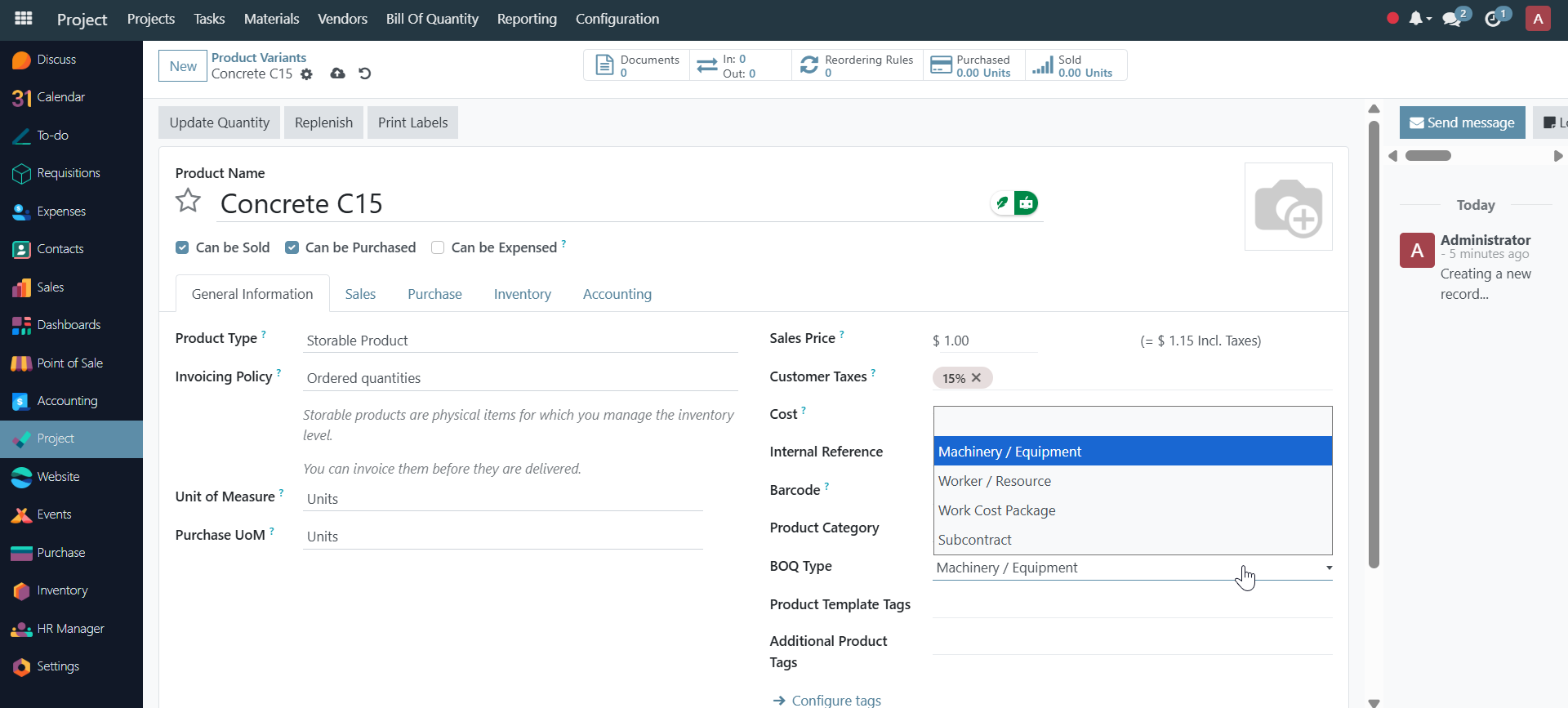
Link to BOQ: Materials can be automatically imported from Bills of Quantity.
-
Work Package Materials: View materials allocated to specific work packages.
- Record material usage and inventory updates.
- Track procurement, deliveries, and stock levels.
- Create Requisitions: Generate material requisitions directly from material requirements.
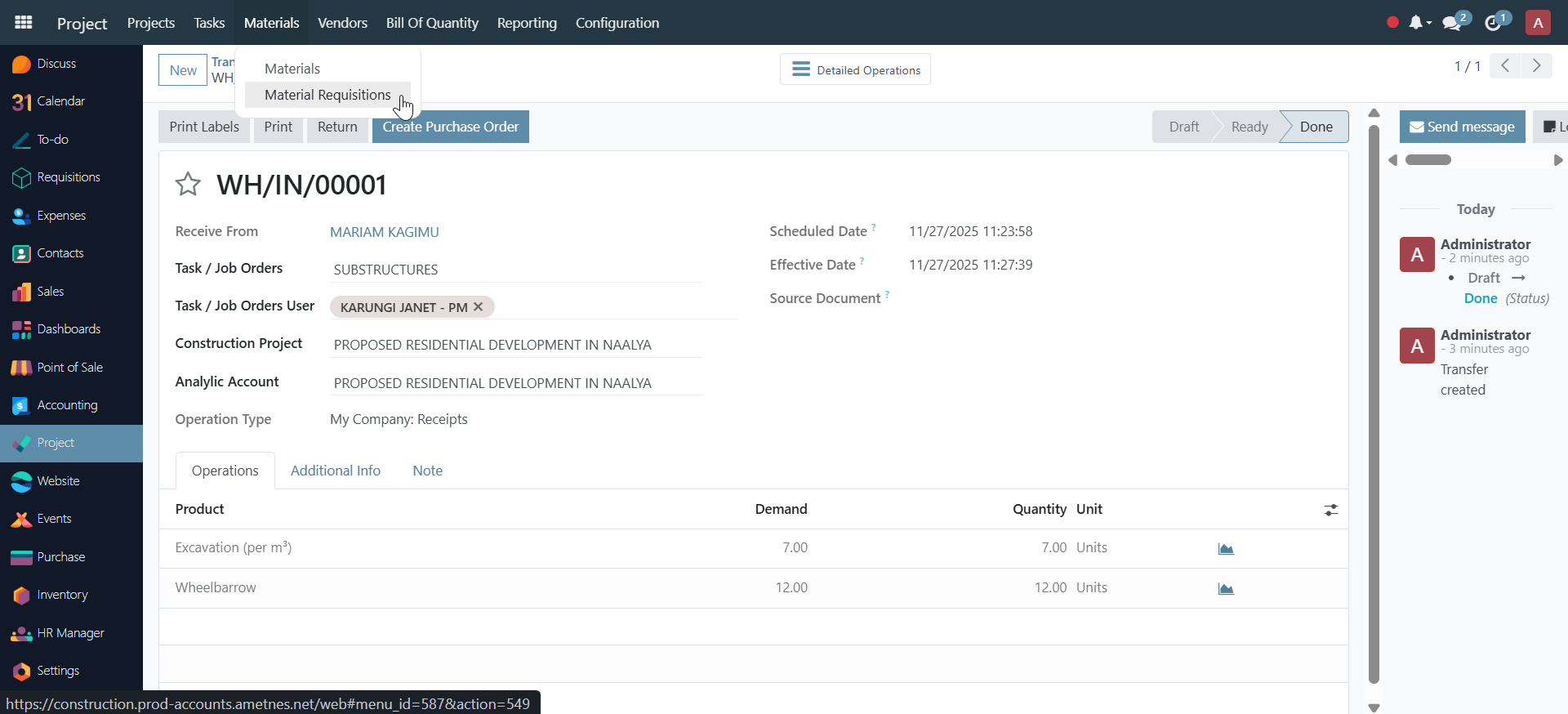
See Bills of Quantity and Material Requisitions for detailed information.
Resource Allocation#
- Use the resource allocation view to balance workloads.
- Identify over- or under-utilized resources and adjust assignments as needed.
Continue to Budgeting and Cost Control