Work Packages#
Ametnes Construction Management
Tier: Premium, Enterprise
Offering: Ametnes Managed
Industry: Construction, Manufacturing
Work Packages are logical groupings of construction activities that can be managed, executed, and tracked as distinct units. They help organize complex projects into manageable components.
Overview#
Work Packages break down construction projects into:
- Discrete work units: Each package represents a complete, deliverable portion of work
- Resource allocation: Assign specific teams, equipment, and materials
- Progress tracking: Monitor completion status independently
- Cost control: Track costs at the package level
- Scheduling: Manage timelines for each package
Creating Work Packages from BOQ#
Automatic Generation#
Work Packages can be automatically created from your Bill of Quantity:
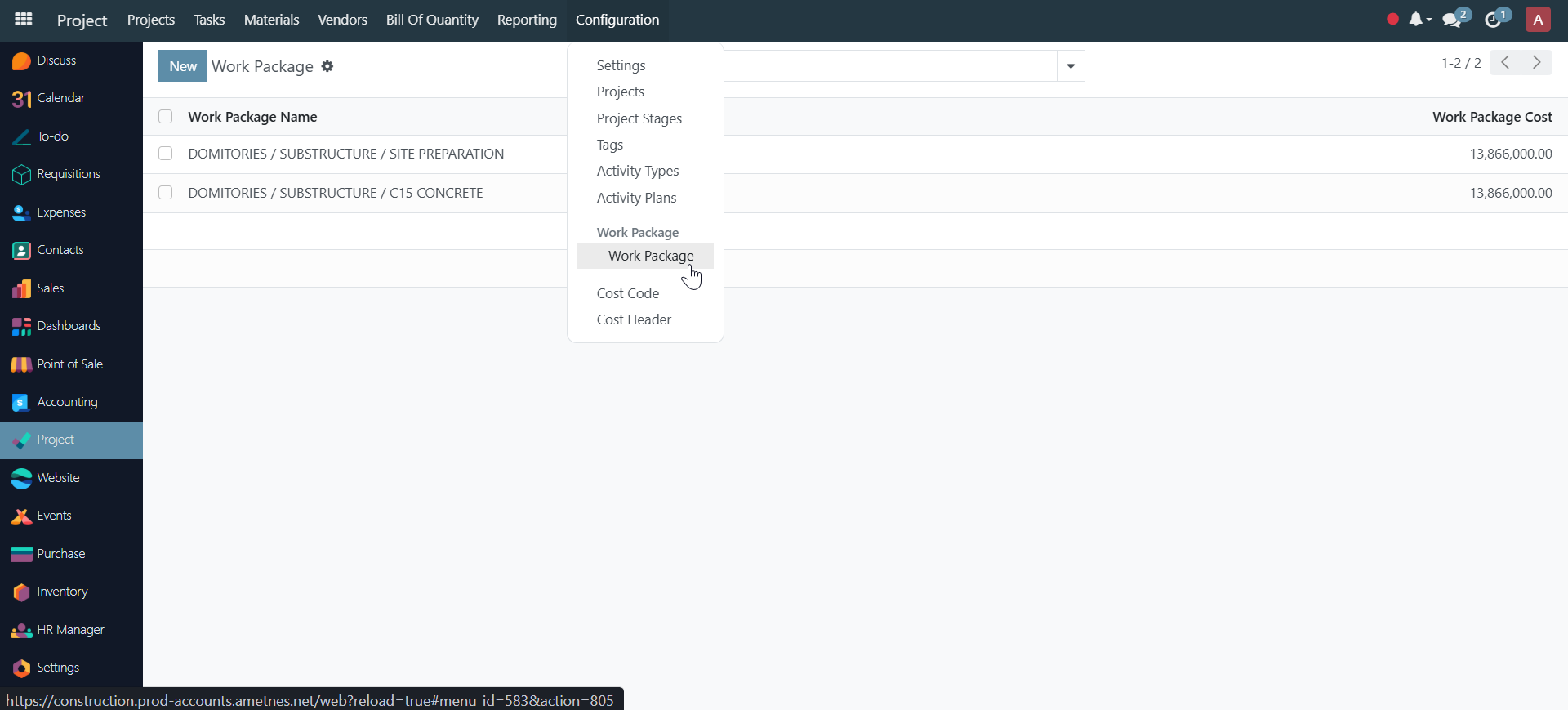
- Open your BOQ.
- Click Create Work Packages.
- The system generates work packages based on:
- BOQ line groupings
- Project phases
- Work categories (Labor, Material, Equipment)
- Review and adjust the generated packages.
Manual Creation#
- Navigate to Work Packages in your project.
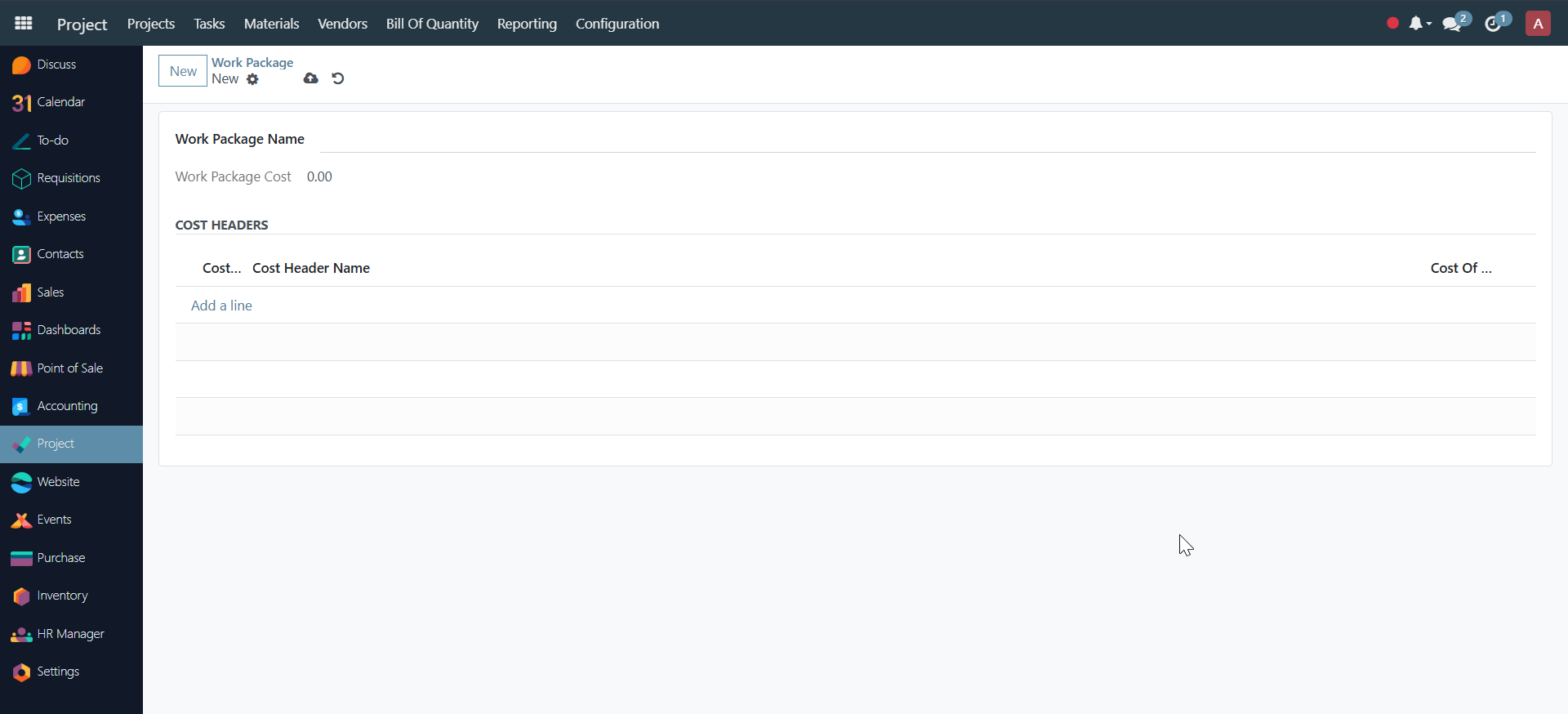
- Click New.
- Enter package details:
- Work Package Name: Descriptive name (e.g., "Foundation Excavation")
- Cost Headers
Continue to Material Requisitions